
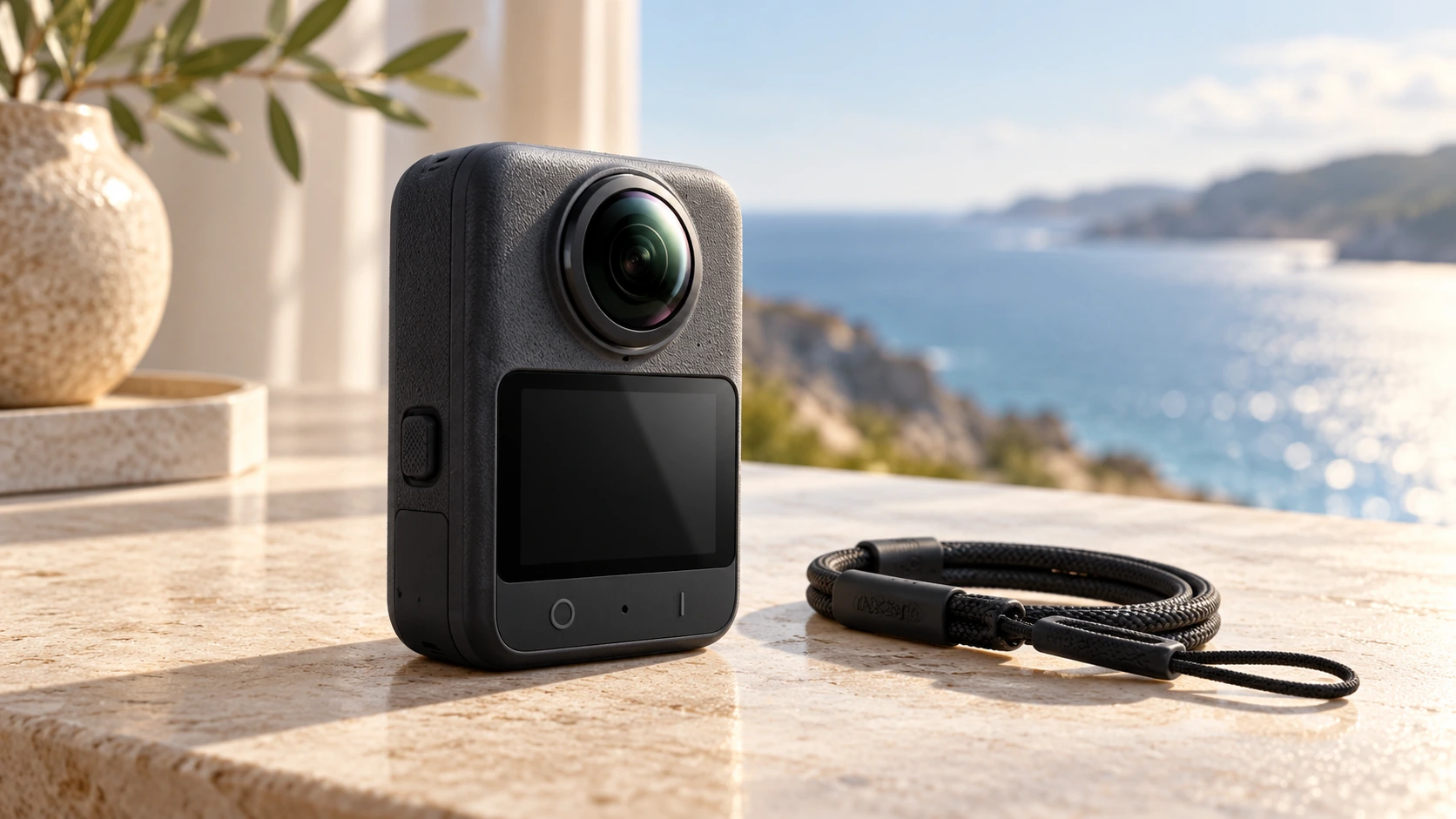
Information checked 31 October 2026. DJI announced Osmo 360 II on 3 September 2026. Images are reference-based AI illustrations, not camera samples.
The DJI Osmo 360 II makes a compact promise: record the scene around you, then decide how to show it. The headline specification is native 8K/60fps 360-degree video, but the practical story also includes replaceable lenses, internal storage and the time spent getting a usable shot onto a timeline.
For someone filming travel, an interior or an experience that cannot easily be repeated, the appeal is flexibility. The question is whether that freedom saves work or simply moves more decisions into the edit.
Osmo 360 II: the essential specifications
| Feature | Published claim |
|---|---|
| 360-degree recording | Native 8K at up to 60 fps |
| Dynamic range | Up to 14.5 stops, according to DJI |
| Built-in storage | 105 GB |
| Weight | 183 g |
| Continuous battery recording | 100 minutes at 8K/30fps |
| Fast charging | 80% in 22 minutes |
| Lens design | Replaceable lenses |
Source: DJI’s 3 September announcement. The 100-minute figure is for 30 fps, not the maximum 60-fps mode. These are manufacturer figures, not ElitoLux test results.
8K capture is not the same question as the final frame
A 360 recording describes the scene around the camera. A conventional video shows a selected view of that scene. When assessing picture quality, examine the view you actually intend to deliver rather than assuming the recording label describes every possible crop.
That distinction makes a sample file more useful than a list of resolutions. Select a subject at the distance you expect to film, choose the intended framing and inspect the exported result. Look at fine detail in the final picture, not just the dimensions printed in the export settings.
The 60-fps option creates another choice. Do you want motion presented at that frame rate, or do you intend to slow a shot down on a lower-frame-rate timeline? Decide that before recording. A higher capture frame rate is a useful capability, but it does not automatically make every scene better.
Replaceability changes the ownership conversation
DJI identifies replaceable lenses as a key feature of the second-generation camera. It also promotes AI SuperNight 2.0 for low-light shooting.
The lens feature deserves attention because the purchase is more than a body-and-sensor comparison. Ask about the replacement part, the approved procedure, availability and any service conditions. Replaceability is useful when there is a clear way to obtain and fit the appropriate part.
For low-light claims, inspect a moving subject as well as a still scene. Check the texture of fabric, edges around hands and the appearance of motion in the finished export. This is a proposed evaluation method; we have not independently measured DJI’s processing or dynamic-range claim.
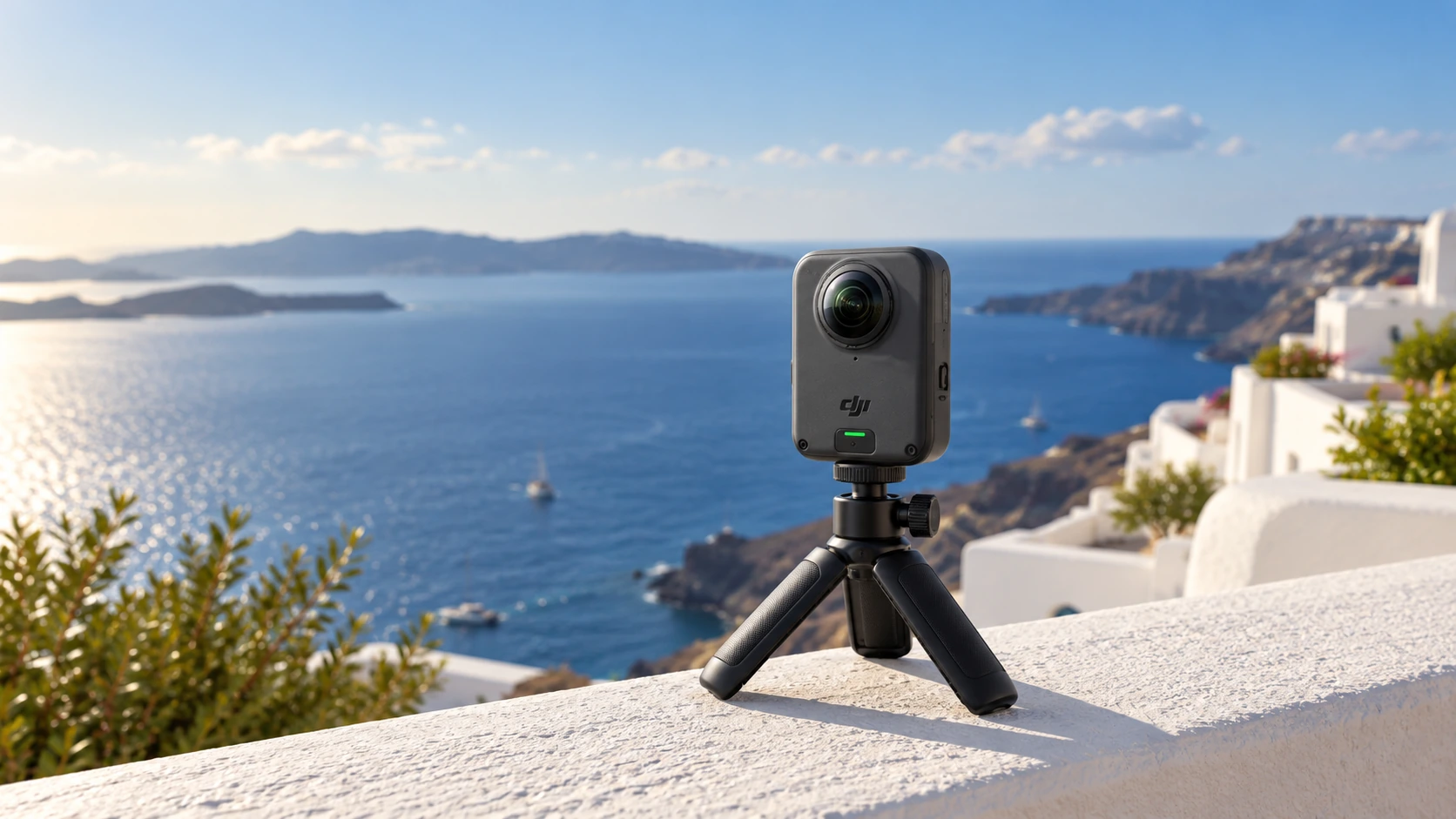
Try one complete shot before committing to a workflow
DJI’s beginner guide says initial activation uses the DJI Mimo app and confirms that storage can be expanded with a microSD card. Before buying, check the current app and software support for the phone or computer you intend to use.
A short, repeatable exercise can answer more than a long specification comparison:
- Capture one realistic scene. Include the subject distance, lighting and camera movement typical of your work.
- Transfer the original file. Note how long the transfer takes and where it is saved.
- Choose the framing. Make both a horizontal and a vertical version if you need both formats.
- Check sound and picture together. Listen to the result and inspect it at its intended viewing size.
- Export and reopen it. Confirm the finished file works in the editor or publishing tool you actually use.
Keep the exercise small enough to repeat after changing a setting. It is easier to find the source of a problem in one short clip than in a day of footage with several different recording choices.
Read the recording conditions beside the runtime
The most easily confused pair of numbers is 8K/60 capture and 100-minute battery recording. DJI quotes that duration at 8K/30. Do not combine the highest frame rate with the longest runtime into a capability the announcement has not established.
Likewise, storage capacity does not by itself specify recording duration. For planning, use the file size of a representative clip in the chosen mode and leave room for the rest of the day. Verify that important files have been copied successfully before clearing the camera.
The Osmo 360 II is interesting because the specification, maintenance idea and creative workflow all deserve a place in the same discussion. The best demonstration ends with a finished shot, rather than at the recording button.
If editing hardware is the next question, explore our MacBook Pro display and interface feature, or browse the Technology collection.
Sources and method
- DJI — Osmo 360 II announcement, 3 September 2026
- DJI Support — beginner guide, activation and storage information
This is an explanation of the published product and a proposed evaluation workflow. We have not tested a production unit or produced camera sample footage. See our editorial and corrections policy.